Office workflows can slow down when employees have to transfer files between devices or find a connected computer just to print a document. Mobile printing provides a convenient way to send documents directly from smartphones and tablets, helping employees complete print tasks with fewer interruptions. For small and medium-sized businesses in Houston, Texas, this flexibility can make everyday operations more efficient.
As mobile technology becomes a larger part of the modern workplace, businesses are looking for ways to make printing more accessible without adding unnecessary complexity. Mobile printing can support faster workflows, improve employee convenience, and make it easier to print from different locations within an office. Understanding how mobile printing works and where it can fit into your existing print environment can help your business get more from its office technology.
Key Takeaways
- Mobile printing transforms traditional office workflows by enabling flexible, location-independent printing
- Businesses in Houston can leverage mobile printing to stay competitive in a tech-driven market
- Mobile printing solutions help reduce office clutter and improve organization
- Employees enjoy increased productivity and job satisfaction with hassle-free printing
- Companies can significantly cut down on printing costs and paper waste
The Role of Mobile Printing in Modern Office Environments
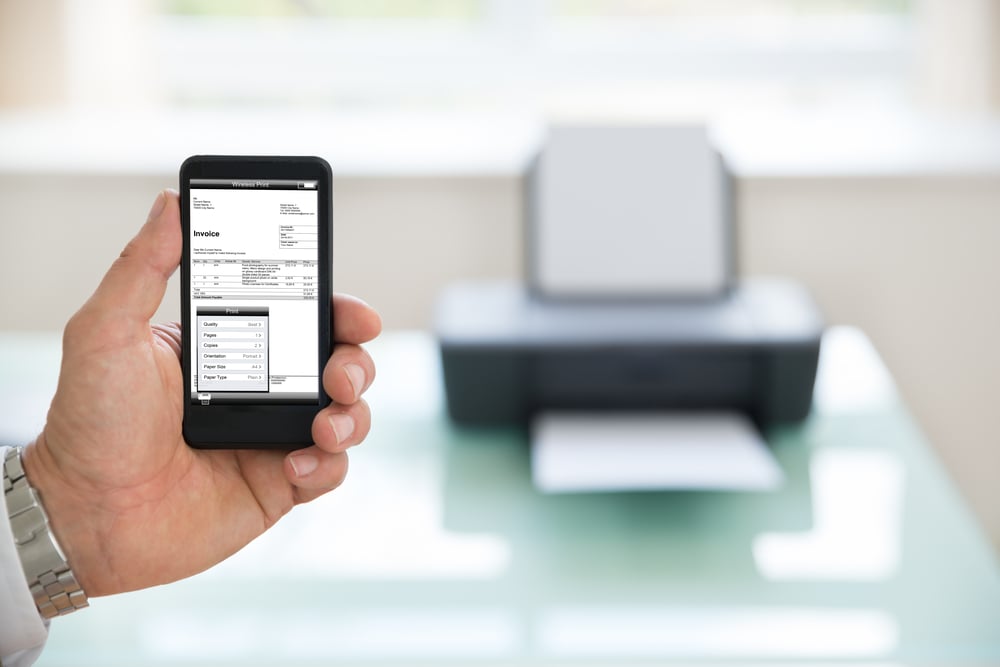
Mobile printing has become a practical solution for modern offices, allowing employees to print documents directly from smartphones and tablets. Instead of relying on a wired connection or a specific workstation, employees can send documents to compatible printers from convenient locations throughout the office. This flexibility can make everyday printing tasks faster and easier.
Mobile printing also helps reduce the need for cables and dedicated workstations, creating a more organized office environment. By making printing more accessible, businesses can reduce interruptions and help employees stay focused on their work. For Houston businesses looking to modernize their office technology, mobile printing can be a useful addition to an existing print environment.
Mobile printing solutions can also scale with the needs of small and growing businesses. When integrated with compatible office systems, they provide employees with a convenient way to manage print tasks while supporting more flexible workflows.
Key Benefits of Mobile Printing for Business Efficiency
Mobile printing can make everyday document workflows more convenient and efficient by allowing employees to print directly from their smartphones and tablets. It can reduce interruptions, support flexible work habits, and help employees complete print tasks without being tied to a specific workstation. Mobile printing can also support more intentional printing practices that reduce unnecessary paper and supply use. Key benefits of mobile printing for business efficiency include:
- Improved productivity: Employees can send documents to compatible printers without returning to a specific workstation
- Greater flexibility: Mobile printing supports employees who work from different areas of the office or move between locations
- Reduced interruptions: Quick access to printing can help employees complete document-related tasks with fewer workflow disruptions
- Potential cost savings: More intentional printing can help businesses reduce unnecessary paper and supply consumption
- Less paper waste: Mobile access can encourage employees to print only the documents they need
- Better employee experience: Convenient printing options can make routine office tasks easier and less time-consuming
Exploring Popular Mobile Printing Solutions in the Market
Several major printer manufacturers offer mobile printing solutions for modern business environments. Sharp, RICOH, and HP provide options that allow employees to print from compatible mobile devices and support more flexible workflows. When comparing solutions, businesses should consider compatibility, security, ease of use, and how well the technology works with their existing office equipment.
| Manufacturer | Mobile Printing | Key Considerations |
| Sharp | Supports mobile printing from compatible smartphones and tablets | Consider device compatibility, security features, and integration with existing Sharp equipment |
| RICOH | Offers mobile printing options for flexible workplace environments | Consider ease of use, compatibility, and how the solution fits into existing workflows |
| HP | Provides mobile printing capabilities across a range of business printers and devices | Consider printer compatibility, security, and support for different mobile devices |
How to Choose the Right Mobile Printing Services for Your Office
Choosing the right mobile printing service starts with understanding your office’s printing needs. Consider your print volume, the types of documents you produce, and how employees currently access printers. This can help you select a solution that fits your daily workflows.
Compatibility and security are also important. Make sure the solution works with your existing devices and software while providing appropriate protection for sensitive documents. Businesses should also consider the total cost of ownership, including maintenance and support, rather than focusing only on the initial price.
Finally, look for a solution that is easy for employees to use and supported by responsive customer service. A user-friendly mobile printing solution can make adoption easier and help employees complete printing tasks with fewer interruptions.
Integrating Mobile Printing with Existing Office Systems
Integrating mobile printing into your existing office systems requires planning to ensure a smooth transition. IT teams should confirm compatibility with current networks and devices, while testing and employee training can help reduce confusion during implementation. Providing clear instructions and support can also make it easier for employees to adopt the new technology.
Mobile printing can also work alongside document management and cloud storage systems, giving employees easier access to files when they need to print. Regular software updates and maintenance help keep the system secure and reliable. Gathering employee feedback can also help businesses identify issues and make adjustments as their printing needs change.
Mobile Printing for Business FAQs
Can employees print from mobile devices without installing an app?
Depending on the printer and mobile device, employees may be able to print using built-in mobile printing features or supported wireless printing protocols. Other solutions may require a manufacturer-specific app or software. Businesses should check device and printer compatibility before choosing a mobile printing solution.
Can mobile printing support remote and hybrid employees?
Yes, mobile printing can support employees who work from different areas of an office or split their time between office and remote locations. When properly configured, employees can access and print documents without relying on a specific desktop computer. The available features will depend on the organization’s network, devices, and security settings.
Is mobile printing suitable for printing large documents?
Mobile printing can handle many common business documents, including reports, presentations, forms, and other files. However, businesses that regularly print large files or high volumes should consider printer capabilities, network performance, and file sizes when selecting a solution. Testing common document types can help identify potential limitations.
Can mobile printing work with cloud storage services?
Many mobile printing solutions can work with files stored in cloud-based platforms, depending on the devices, software, and services being used. This can make it easier for employees to access documents from approved cloud storage and send them to a compatible printer. Businesses should verify which cloud services are supported before implementation.
What types of businesses can benefit from mobile printing?
Mobile printing can be useful for businesses of different sizes and across various industries. Offices with employees who frequently move between workstations, handle documents on mobile devices, or need flexible access to printers may find mobile printing particularly useful. The right solution will depend on the organization’s workflow, equipment, and printing requirements.
Utilizing Mobile Printing for Your Business
Mobile printing can help businesses simplify everyday workflows, improve employee convenience, and make printing more accessible across the office. By choosing a compatible solution and integrating it with existing office systems, businesses can reduce workflow interruptions and support more flexible ways of working. The right mobile printing solution can also complement existing equipment while helping employees complete document tasks more efficiently.
As a business equipment supplier in Houston, we help businesses address copier and printing challenges with reliable equipment, copier leasing, managed print services, and ongoing support. From Sharp, HP, and RICOH technology to solutions designed around your organization’s specific needs, our team can help you find a more efficient and manageable approach to business printing.
If your business is looking to simplify printing and improve office workflows, request a quote today to learn how Platinum Copier Solutions can help you implement the right mobile printing solution and get more from your office technology.

Kimberly Gonzalez founded Platinum Copier Solutions in 2007 after building her career in the copier and office equipment industry, which began at just 19 years old, selling Xerox copiers. Her early hands-on experience sparked a lifelong passion for document systems and office technology, ultimately inspiring her to launch her own company. As the 100 percent owner, Kimberly continues to lead Platinum Copier Solutions with a clear vision and commitment to quality.