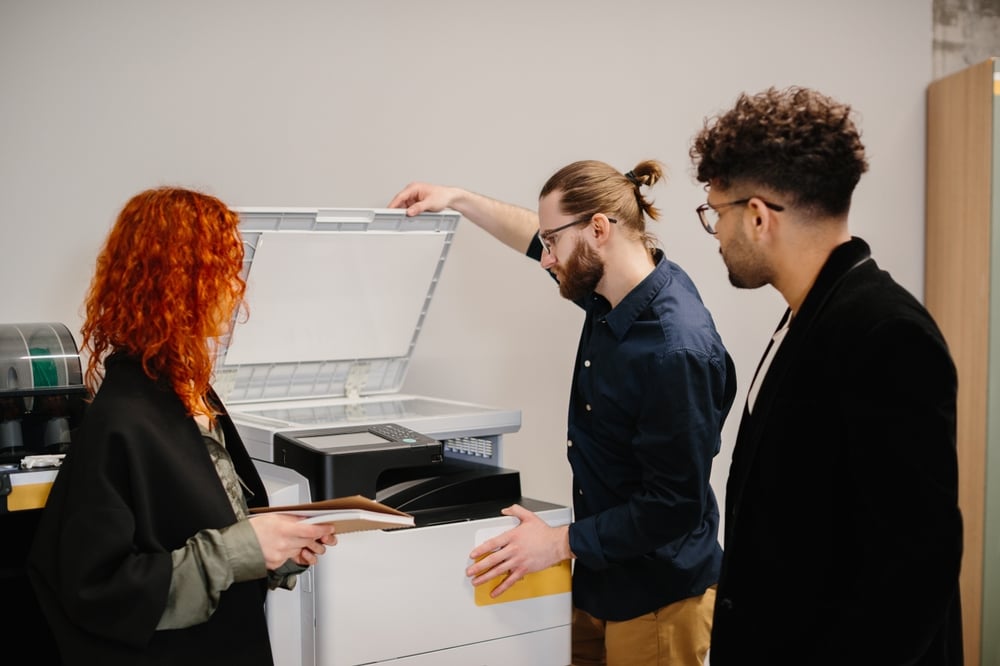
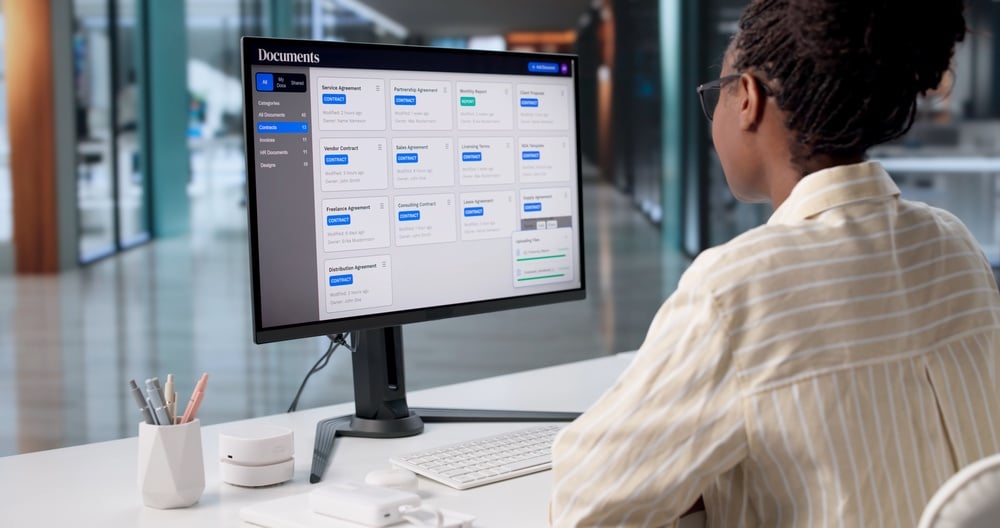
Businesses generate and handle large volumes of documents every day, from invoices and contracts to forms, reports, and customer records. When these documents are scattered across filing cabinets, shared folders, email inboxes, and disconnected systems, employees can waste valuable time searching for information and managing files. A well-planned digital document workflow gives businesses a more structured way to capture, process, organize, access, and maintain information. This guide explains digital document workflows, how they support document management, the challenges businesses commonly face, and practical strategies for creating more efficient document processes.
Key Takeaways
- Digital document workflows organize how information moves through a business
- Standardized processes can reduce unnecessary manual work
- Searchable digital documents make information easier to locate
- Automation can streamline repetitive document tasks
- Effective document workflows require ongoing evaluation and improvement
What Is a Digital Document Workflow?
A digital document workflow is a structured process for handling documents as they move through an organization. It typically includes capturing or scanning documents, organizing files, reviewing information, obtaining approvals, distributing documents, storing records, retrieving files when needed, and archiving them. Unlike paper-based processes that rely on physical files and manual handoffs, digital workflows help employees access and manage information electronically, making document-related tasks easier to coordinate and track.
What Is Digital Document Management?
Digital document management involves organizing, storing, accessing, securing, and maintaining digital files throughout their lifecycle. While workflows focus on how documents move between tasks and employees, document management focuses on keeping files organized, searchable, and controlled. Together, they support efficient information handling. Simply scanning paper records is not enough; businesses also need consistent organization, access controls, and processes for managing documents over time.
| Digital Document Workflow | Digital Document Management |
| Focuses on how documents move | Focuses on how documents are organized and maintained |
| Emphasizes processes and tasks | Emphasizes storage, access, and control |
| Includes routing and approvals | Includes search, permissions, and retention |
| Streamlines document-related processes | Manages documents throughout their lifecycle |
Why Businesses Need Efficient Digital Document Workflows
Efficient digital document workflows help businesses reduce manual tasks, improve document accessibility, support collaboration, and create more consistent processes while reducing reliance on paper. Without an organized workflow, employees may struggle with manual data entry, documents scattered across multiple locations, inconsistent file names, duplicate records, and version-control issues. Manual approval processes can also delay work, while poorly organized files make information harder to find. Establishing a structured digital workflow helps businesses manage documents more effectively and gives employees a clearer, more reliable way to access and process information.
How to Build an Effective Digital Document Workflow
Building an effective digital document workflow starts with understanding how information moves through your organization. By identifying inefficiencies and establishing consistent procedures, businesses can make documents easier to process, manage, and access. Consider these steps when developing your workflow:
- Map Existing Document Processes: Identify where documents originate, who handles them, and where delays or bottlenecks occur.
- Digitize Paper Documents: Use document scanning to convert physical records into digital files and improve document scanning workflows at work.
- Make Documents Searchable: Use optical character recognition (OCR) to help employees search scanned files and understand the benefits of searchable PDFs.
- Standardize Document Organization: Establish consistent file names, folder structures, metadata, and storage locations.
- Establish Routing and Approval Processes: Define how documents move between employees and departments to reduce delays and confusion.
- Automate Repetitive Tasks: Identify routine activities, such as document routing and notifications, that could benefit from automation.
- Establish Access and Security Controls: Set permissions based on employee roles to protect sensitive information while allowing appropriate access.
- Review and Refine the Workflow: Evaluate performance regularly and adjust processes as business needs change.
Technologies and Best Practices for Digital Document Management
Digital document management relies on technology and consistent procedures to keep business records organized and accessible. The right tools help employees digitize documents, locate information, collaborate, and streamline routine tasks. Combining these tools with clear management practices also supports document security and long-term organization.
Technologies That Support Digital Workflows
Businesses can use several technologies to improve how they handle digital documents:
- Document Scanners: Convert physical records into digital files for easier storage and access.
- Optical Character Recognition (OCR): Converts scanned text into machine-readable content.
- Searchable PDFs: Allow employees to find specific words or information within documents.
- Document Management Systems: Centralize files and support organization, access controls, and version management.
- Cloud Storage and Collaboration Platforms: Allow authorized employees to access and share documents across locations.
- Workflow Automation Tools: Help streamline repetitive tasks, such as document routing and approval notifications.
Best Practices for Managing Digital Documents
Technology alone is not enough to maintain an effective document management process. Businesses should establish consistent procedures that help employees handle files correctly and protect important information. These practices can improve organization, reduce confusion, and support long-term document management.
- Use Consistent Naming Conventions: Establish clear file-naming rules and organized folder structures.
- Keep Documents Searchable: Use searchable formats and appropriate metadata to make information easier to locate.
- Minimize Duplicate Files: Establish clear procedures for storing and updating documents.
- Maintain Version Control: Help employees identify and use the most current versions of files.
- Review Access Permissions: Ensure employees have appropriate access based on their roles.
- Define Retention and Archiving Practices: Establish guidelines for retaining, archiving, and disposing of records.
- Train Employees: Make sure staff understand document-handling procedures and the technologies they use.
How to Improve Digital Document Workflows Over Time
- Monitor workflow bottlenecks and collect employee feedback.
- Review repetitive tasks and unnecessary handoffs.
- Identify processes that still rely on paper.
- Evaluate whether existing technology is being fully utilized.
- Update workflows as the organization grows.
Digital Document Workflows FAQ
What is the difference between document management and document workflow?
Document management focuses on organizing, storing, securing, and maintaining files throughout their lifecycle. A document workflow describes how documents move through tasks and processes, such as review, approval, and distribution. Both work together to help businesses manage information efficiently.
How can digital document workflows improve efficiency?
Digital document workflows help reduce manual tasks, improve document accessibility, and make information easier to find. Standardized processes can also reduce confusion, minimize unnecessary handoffs, and support collaboration. These improvements help employees handle documents more consistently and spend less time on administrative tasks.
Why are searchable PDFs useful for businesses?
Searchable PDFs allow employees to find specific words and information within documents instead of manually reviewing each page. Optical character recognition (OCR) makes this possible by converting text in scanned documents into machine-readable content. This makes digital records easier to search, retrieve, and use. Businesses can learn more about the benefits of searchable PDFs and how they work.
How can businesses digitize paper documents?
Businesses can digitize paper documents by scanning physical records and converting them into digital files. Using OCR can make scanned documents searchable, while consistent file names, metadata, and organized storage locations help employees retrieve information. Establishing these practices during digitization makes records easier to manage over time.
What should businesses consider when creating a digital document workflow?
Businesses should evaluate their existing processes, document types, employee responsibilities, and common bottlenecks before designing a workflow. They should also consider technology compatibility, document security, accessibility, and opportunities to automate repetitive tasks. Reviewing these factors helps organizations create a workflow that meets their needs and can adapt as processes change.
Build a More Efficient Digital Document Strategy
Digital document workflows help businesses organize information, reduce manual tasks, improve accessibility, and create more consistent document-handling processes. By combining the right technology with clear procedures, organizations can make documents easier to manage throughout their lifecycle.
As office equipment specialists, we help businesses improve document scanning, digital document workflows, and document management with office technology solutions tailored to their needs. Our team can help you explore options for streamlining document processes and supporting your organization’s day-to-day operations.
Ready to improve how your business manages documents? Request a quote today and explore solutions that fit your organization’s needs.

Kimberly Gonzalez founded Platinum Copier Solutions in 2007 after building her career in the copier and office equipment industry, which began at just 19 years old, selling Xerox copiers. Her early hands-on experience sparked a lifelong passion for document systems and office technology, ultimately inspiring her to launch her own company. As the 100 percent owner, Kimberly continues to lead Platinum Copier Solutions with a clear vision and commitment to quality.