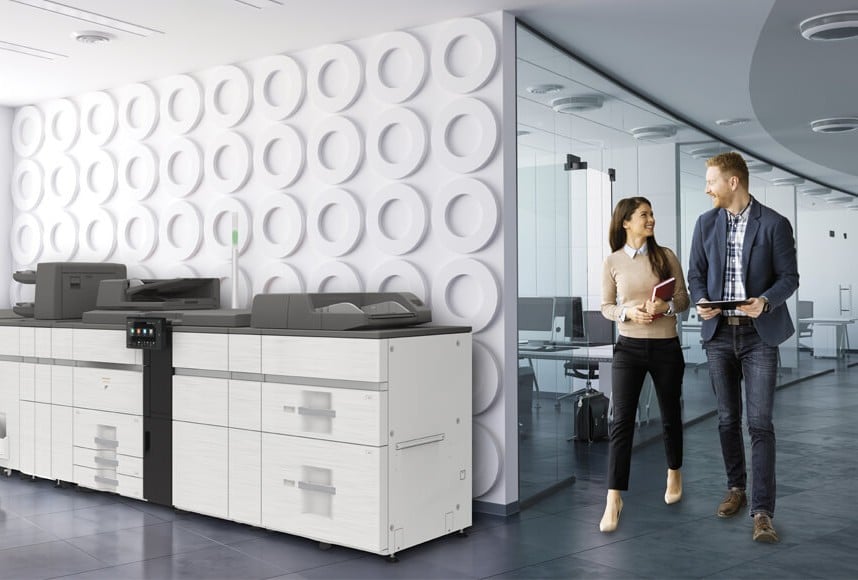

Are you tired of unexpected printer downtime and skyrocketing supply costs in your Houston office? Setting up a managed print service process is like orchestrating a well-rehearsed symphony, where every onboarding phase plays a crucial part in achieving ultimate workplace harmony. By understanding exactly what happens from the initial assessment to ongoing support, you can eliminate transition anxiety and easily prepare your IT team for a flawless deployment. This comprehensive guide will walk you through each step of the lifecycle, providing your organization with a crystal-clear operational roadmap to transform your print environment into a highly secure, well-oiled machine.
Key Takeaways
- Evaluate your exact print volumes and security needs to select the right MPS partner
- Initial assessments uncover hidden inefficiencies and immediate cost-saving opportunities
- Network integration and secure print release protocols protect your sensitive data
- Coordinated hardware delivery and structured staff training minimize workplace downtime
- Proactive ongoing support ensures your managed print service process adapts to business growth
Evaluating Your Business Needs and Selecting the Right Provider
Before partnering with a vendor, you must evaluate your baseline print volume, security requirements, and document workflows to ensure an optimal organizational fit. Involving internal IT and operational stakeholders early in the vetting process aligns team expectations and builds strong long-term accountability. Finally, reviewing proposed Service Level Agreements (SLAs) establishes explicit performance baselines and response times, preventing future operational misunderstandings. By executing this comprehensive upfront evaluation, your Houston business can select an ideal managed print services partner that seamlessly complements your technical infrastructure.
Provider Selection and SLA Evaluation Criteria
| Evaluation Focus | Key Objectives & Requirements | Operational Impact on Your Business |
| Internal Needs Assessment | Document average monthly print volumes, hardware feature requirements, and regional compliance standards. | Ensures your custom MPS infrastructure is precisely scaled to prevent paying for unused capacity or facing bottlenecked workflows. |
| Stakeholder Collaboration | Gather direct input from internal IT, operations, and procurement teams during vendor demonstrations. | Eliminates cross-department friction, secures internal user adoption, and ensures technical network compatibility. |
| SLA Performance Metrics | Define acceptable local technician response times, guaranteed fleet uptime, and first-time fix rates. | Establishes enforceable service accountability and guarantees minimal downtime for your business operations. |
Initial Assessment: How Print Services Work for Your Business
Once you choose an MPS provider, the onboarding journey begins with a comprehensive, data-driven audit of your existing print environment. Technicians will evaluate your monthly print volumes, hardware utilization rates, and true operational costs to reveal hidden inefficiencies across your office layout. This baseline evaluation serves as a thorough health check-up, pointing out immediate cost-saving opportunities that usually hide in plain sight.
Transparent communication throughout this discovery phase ensures that your internal IT and administrative stakeholders fully understand the audit’s findings. Your team will gain valuable insight into how optimized workflows can eliminate waste, reduce security risks, and lower your monthly print budgets. Ultimately, this well-documented assessment creates a clear implementation roadmap that minimizes workflow disruptions and sets the stage for a seamless transition.
Ensuring Seamless Network Integration and Security Protocols
With the initial assessment complete, it is time to focus on network integration and security protocols. This step is crucial for safeguarding sensitive data and ensuring your new print infrastructure aligns seamlessly with your existing Houston IT systems. Rather than disrupting daily digital operations, a professional managed print service process treats security as a foundational element rather than an afterthought. To ensure your corporate data remains completely fortified against external threats and internal vulnerabilities, your provider will focus on several critical integration areas:
- Collaborative Network Integration: Your internal IT team will partner closely with the MPS provider to map out network IP addresses, firewall configurations, and server access permissions. This deep technical alignment guarantees a smooth software deployment and prevents unexpected network drops during implementation.
- Advanced Encryption and Secure Print Release: To protect proprietary business information, your provider will implement secure print release software. This protocol ensures documents are only printed when the authorized user physically inputs a code or swipes an ID badge at the device, eliminating sensitive paperwork sitting exposed on open output trays.
- Compliance Training and Best Practices: Your staff will receive targeted training on the updated security measures, document disposal rules, and secure scanning workflows. Educating your team drastically minimizes user-error vulnerabilities and ensures your company maintains strict alignment with regional industry compliance standards.
- Proactive Vulnerability Management: Network security requires continuous vigilance over time rather than a single technical setup. Your provider will perform regular, automated firmware updates and security audits to defend your smart printing devices against evolving cybersecurity threats.
Preparing for the Physical Delivery of Print Equipment
As you prepare for the physical delivery of your new print equipment, tight coordination between your internal operations team and the MPS provider is paramount. This specific milestone marks the operational transition from strategic planning to physical rollout, bringing optimized hardware directly into your facility. By establishing a transparent framework for delivery day, you can protect employee productivity and eliminate unnecessary workplace chaos.
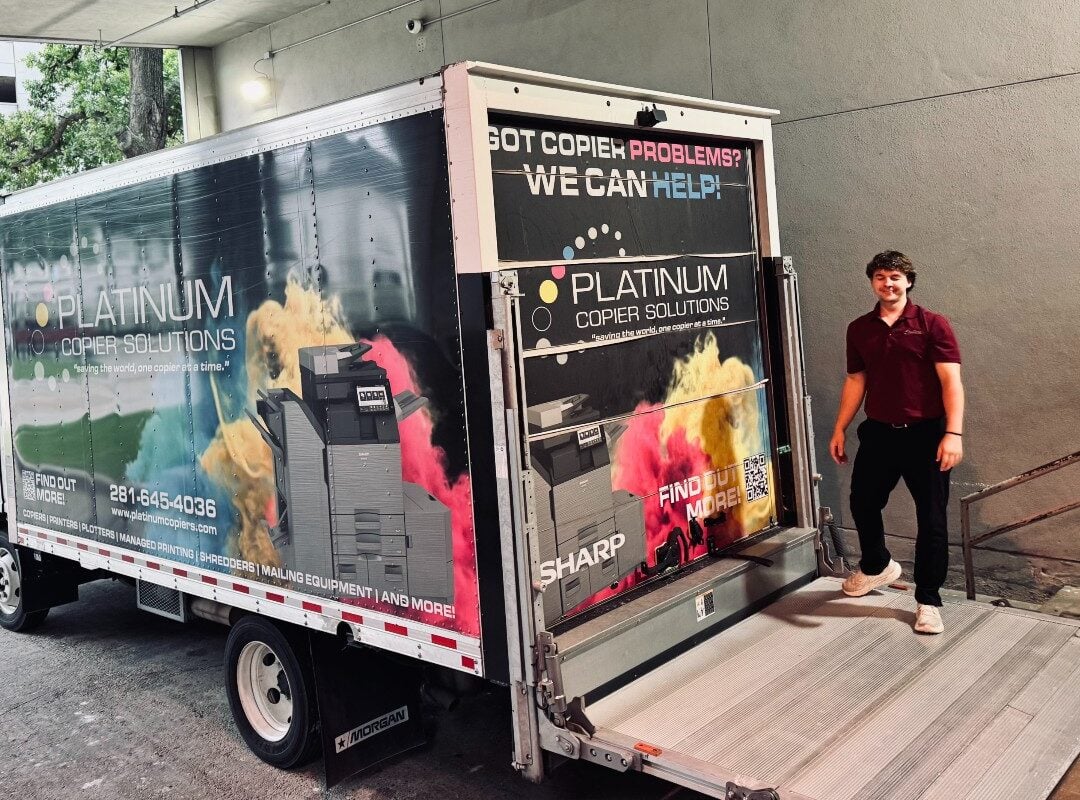
Platinum Copier Solutions truck delivering print equipment for installation.
Strategic Scheduling and Efficient Hardware Setup
Your operations team will collaborate closely with the provider to schedule equipment arrivals during off-peak hours or weekend blocks. This deliberate coordination drastically minimizes active disruptions to your standard daily business workflows, ensuring a seamless hardware transition. Once onsite, the vendor’s deployment team will efficiently configure the devices, hook them up to designated network drop points, and verify that they are fully operational for immediate use.
Comprehensive Workforce Training and Onboarding
Hands-on training is an essential component of a successful deployment and cannot be overlooked during the rollout phase. Your staff will receive structured walkthroughs explaining how to navigate the new interface menus, release print jobs securely, and utilize digital scanning workflows. Providing this proactive education empowers your entire team to embrace the updated system with confidence, maximizing day-one efficiency while eliminating user frustration.
Timeline Management and Eco-Friendly Legacy Disposal
A well-communicated implementation timeline gives your staff ample time to adjust their schedules around temporary hardware switches and driver updates. By knowing exactly what to expect and when, your departments can plan their heavy print cycles accordingly, reducing the business impact of brief technical transition windows. Furthermore, the MPS provider will assume full responsibility for removing and recycling your outdated equipment, ensuring your company remains aligned with modern corporate sustainability goals.

Platinum Copier Solutions delivers an office copier for installation.
Ongoing Support and Optimization for Continuous Improvement
Launching your managed print services is just the beginning of a long-term strategy centered on continuous operational optimization. Your provider will deliver proactive technical support and remote troubleshooting to keep your entire print fleet running smoothly without unexpected operational roadblocks. This consistent help desk availability resolves minor technical issues before they escalate, leaving your staff completely free to focus on core business tasks.
Your provider will leverage data analytics to monitor key usage metrics, fleet health, and monthly print costs. These regular performance reviews allow you to uncover hidden cost-saving opportunities and adjust your print strategy as your operational needs evolve over time. This partnership approach ensures your print infrastructure scales fluidly alongside your growing Houston business while consistently driving down wasteful corporate expenditures.
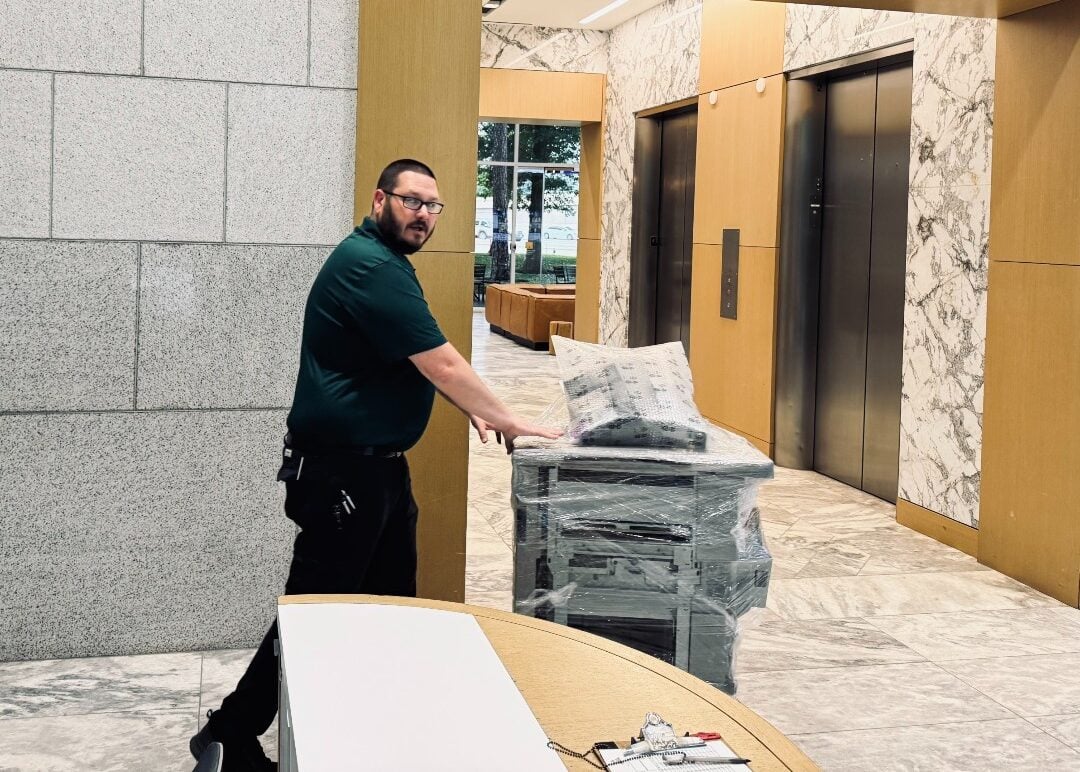
Platinum Copier Solutions delivers a Ricoh office copier for installation.
Managed Print Service Process FAQs
What is the typical timeline for the managed print service process from start to finish?
The duration of the onboarding process depends entirely on the size of your Houston office and the complexity of your network infrastructure. Generally, the initial assessment and fleet design phases take about one to two weeks to compile data and create a blueprint. Physical delivery, network integration, and initial employee onboarding are usually completed within a few days, carefully scheduled to prevent business downtime.
How does an MPS provider monitor our devices without interrupting our internal network?
Providers install lightweight, highly secure print management software onto your local network to track hardware metrics automatically. This software operates quietly in the background, securely transmitting data regarding toner levels, page counts, and mechanical error codes back to the vendor. Your internal IT staff retains full visibility over this data connection, ensuring that network security protocols are never compromised.
What is the difference between Managed Print Services (MPS) and standard print management software?
Standard print management software is a single tool used internally to track print jobs, enforce printing quotas, and monitor basic employee usage habits. In contrast, full Managed Print Services represent a holistic, outsourced partnership that combines that software with physical hardware procurement, ongoing maintenance, and automatic supply replenishment. While print management software tells you what is happening, MPS actively manages and optimizes the entire lifecycle for you.
Will our office experience severe printing downtime during the physical equipment transition?
A reputable managed print provider designs a rolling deployment schedule specifically to prevent widespread operational disruptions. Technicians typically swap out legacy hardware and update print drivers room by room, or configure the new system during off-peak weekend hours. This strategic approach ensures that your Houston staff always has access to an alternative, operational machine while the primary upgrades take place.
How do regular optimization reviews help lower our operational costs after setup is complete?
The initial setup only establishes your baseline infrastructure, but business printing needs constantly change as your company expands. Quarterly data reviews allow your provider to analyze evolving usage patterns, identify underutilized hardware, and reallocate machines to busier departments. This continuous oversight stops your business from overpaying for unneeded supplies and keeps your operational printing budget as lean as possible.
Completing the Managed Print Service Transition
Navigating the managed print service process from assessment to ongoing support is a vital milestone for any organization looking to streamline workflows, cut waste, and protect corporate data. Ensuring a successful setup requires a transparent roadmap, tight IT collaboration, and an onboarding strategy tailored to how your office operates day to day. Taking this structured approach helps your business eliminate onboarding anxiety, minimize technical downtime, and secure immediate cost efficiency.
As an MPS provider in Houston and surrounding areas, we guide organizations through every stage of implementation with total clarity and confidence. Our focus is on auditing your unique print volumes, fortifying network security, and delivering continuous, data-driven optimization that scales alongside your workforce.
If you are ready to eliminate printer downtime and optimize workplace efficiency, request a quote today to build a tailored roadmap for your office needs.

Kimberly Gonzalez founded Platinum Copier Solutions in 2007 after building her career in the copier and office equipment industry, which began at just 19 years old, selling Xerox copiers. Her early hands-on experience sparked a lifelong passion for document systems and office technology, ultimately inspiring her to launch her own company. As the 100 percent owner, Kimberly continues to lead Platinum Copier Solutions with a clear vision and commitment to quality.