Curious about what really happens during a copier installation timeline? Many businesses assume it’s a simple plug-and-play setup, but the process is often more detailed than expected. From equipment selection to final configuration, each stage plays a critical role in ensuring your office runs smoothly without unnecessary delays or disruptions.
Understanding the full installation process can help you avoid downtime and set realistic expectations for when your new copier will be fully operational. When planned correctly, a well-executed installation can directly support efficiency, workflow consistency, and long-term productivity. If you’re planning a new copier setup, knowing what to expect from the start can turn a potentially disruptive process into a seamless upgrade for your business operations.
Key Takeaways
- Recognizing the growing need for a new copier helps support business growth and efficiency
- Choosing the right copier ensures it aligns with your operational needs and budget
- Proper preparation for installation helps minimize downtime and disruptions
- Understanding installation day expectations helps ensure a smooth setup process
- Modern copier technology improves productivity, efficiency, and document management
Understanding the Need for a New Copier in Your Business
As your business grows, so does the need for reliable office equipment. A high-performing copier is essential for managing increasing print, scan, and document demands. Older machines often fall behind, leading to breakdowns that slow productivity. In fast-paced work environments, copier performance directly impacts efficiency. If employees spend more time fixing issues than completing tasks, it may be time for an upgrade. New models also offer improved digital tools that streamline everyday workflows.
Evaluating your current copier helps determine if it still meets your needs. Consider print volume, speed, and scanning capabilities when assessing performance. If it can’t keep up, upgrading can improve overall efficiency. Identifying your requirements is key to choosing the right copier. Focus on speed, connectivity, and functionality that match your workflow. The right equipment supports smoother, more productive operations.
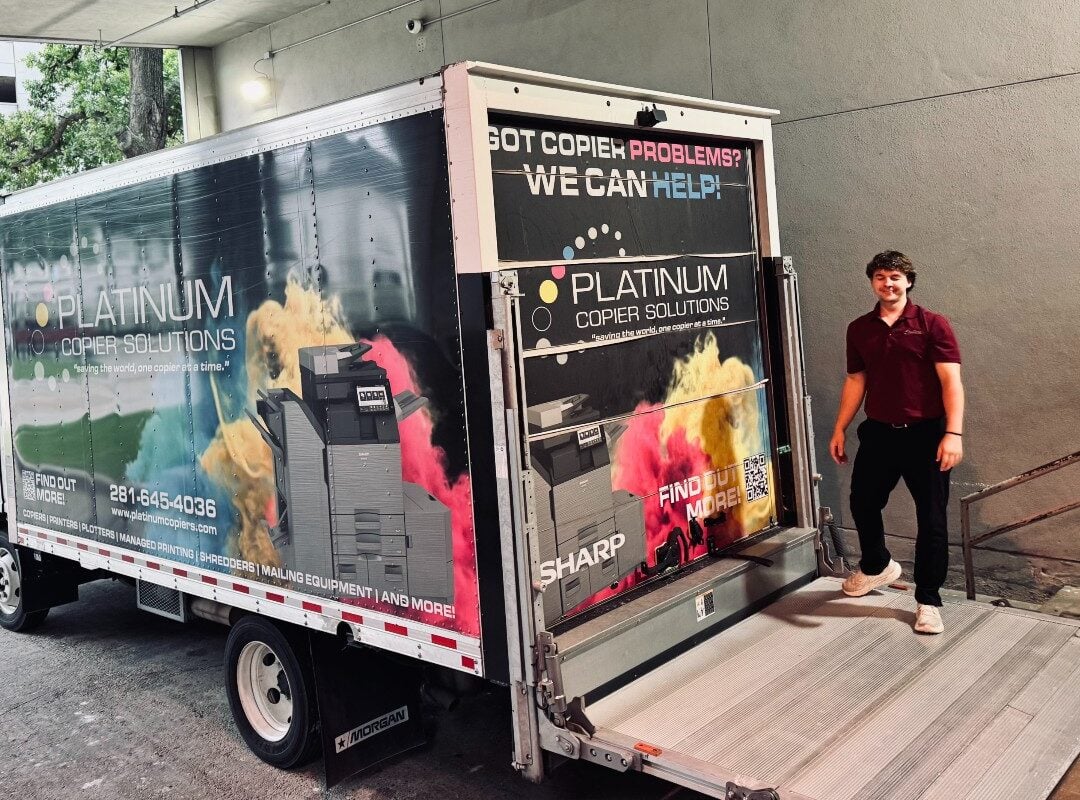
A custom copier installation by the Platinum Copier Solutions team.
Choosing the Right Copier for Your Business Needs
Choosing the right copier for your business depends on several key factors, including office size, daily print volume, and the level of functionality required to support your workflow. Small offices may only need a basic device for standard printing and scanning, while larger organizations often require more advanced systems with higher speed, stronger network integration, and lower long-term operating costs. Evaluating both upfront pricing and ongoing expenses like toner, maintenance, and energy use helps ensure you select a copier that fits both your budget and operational demands. Below is a breakdown of the main considerations when selecting a copier for your business:
| Factor | What to Consider | Why It Matters |
| Business Size | Small office vs. mid-size vs. large enterprise | Determines print volume capacity and required machine durability |
| Core Functionality | Printing, scanning, copying, and digital workflows | Ensures the copier supports daily operational needs efficiently |
| Total Cost of Ownership | Purchase/lease price, toner, maintenance, energy use | Impacts long-term budget and overall cost efficiency |
| Connectivity & Integration | Network printing, cloud access, IT compatibility | Supports seamless workflow across teams and devices |
| Brand Options | Ricoh and Sharp | Reliable manufacturers offering different feature sets and service levels |
| Efficiency Features | Duplex printing, energy-saving modes, automation tools | Reduces waste, lowers operating costs, and improves productivity |
What to Expect on Installation Day
Installation day can be a whirlwind of activity, but knowing what to expect can help keep everything on track. Technicians typically arrive punctually to minimize downtime. Their goal is to get your new copier up and running with as little disruption as possible. The installation process generally includes connecting the copier to your network. This step is vital for ensuring that all employees can access the copier from their workstations. The technician will also demonstrate basic operations to the staff, offering a quick guide to navigating the new system.
Quality testing is a standard part of the installation process. Technicians will run several tests to make sure the copier functions as expected. Any issues that arise during this phase can be swiftly addressed, ensuring a smooth transition to your new equipment. A successful installation leaves your office ready for immediate use. You should be able to start using the copier for all your printing and scanning needs right away. By the end of the day, you’ll wonder how you ever managed without this crucial piece of office equipment.

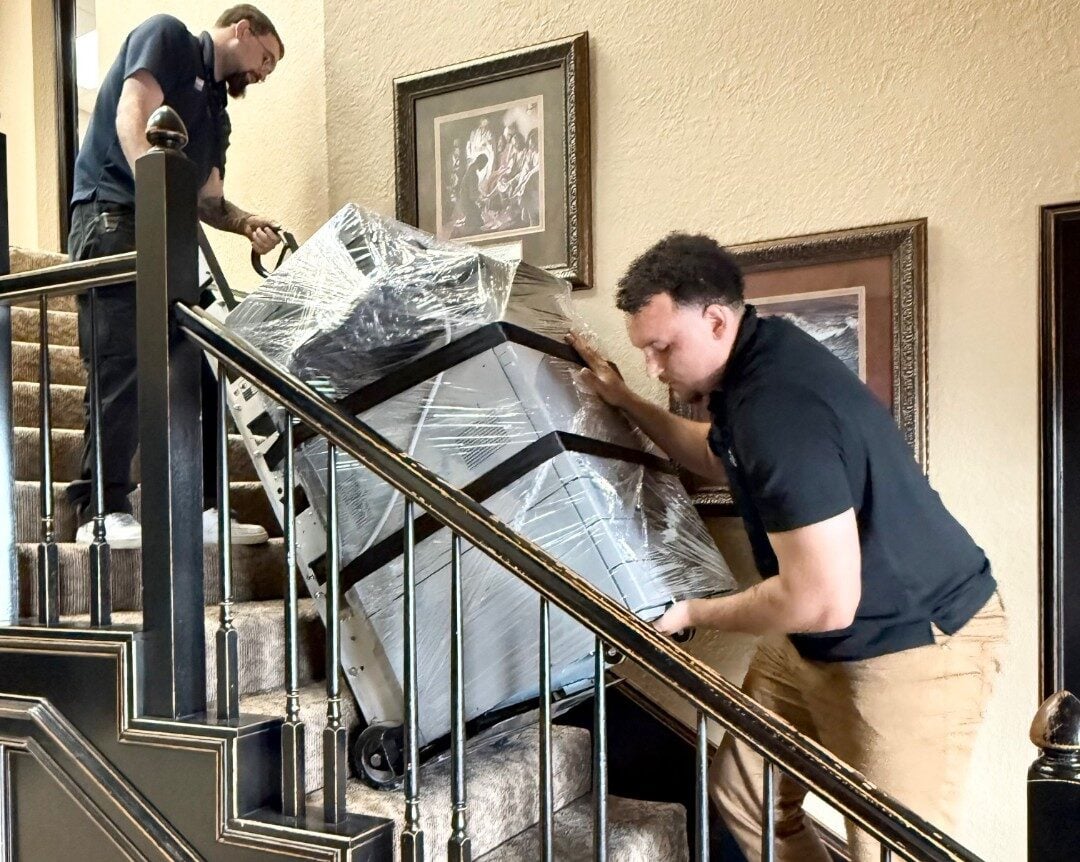
Installation day with Platinum Copier Solutions
Key Steps in Preparing for Copier Installation
Preparing for a copier installation involves more than just scheduling a delivery. It requires coordination between office layout planning, IT setup, staff readiness, and logistics to ensure the new equipment integrates smoothly into daily operations. When each step is handled in advance, businesses can reduce downtime, avoid technical issues, and create a more efficient rollout process. Below is a breakdown of the key preparation steps for a successful copier installation:
| Step | What to Do | Why It Matters |
| Office Space Planning | Select a central, accessible location with minimal workflow disruption | Ensures convenience for employees and improves daily efficiency |
| Network Configuration | Set up IT systems and connectivity in advance | Allows seamless integration with existing office infrastructure |
| Staff Training | Provide guidance or vendor-led training on copier use | Reduces user errors and improves adoption from day one |
| Delivery Coordination | Schedule installation during business hours or low-traffic periods | Minimizes operational disruptions during setup |
| Pre-Installation Checklist | Review space, power access, and technician requirements ahead of time | Prevents delays and ensures all requirements are met before installation |
The Impact of Modern Copier Technology on Business Efficiency
Modern copier technology has significantly transformed how businesses manage documents, streamline workflows, and control operational costs. Today’s devices go beyond basic printing and copying by integrating smarter, more efficient features that support productivity, sustainability, and security across the workplace. These advancements help businesses operate more effectively while reducing long-term expenses. Key benefits of modern copier technology include:
- Reduced paper usage through digital document management systems that support eco-friendly operations
- Cloud integration capabilities that allow employees to print and scan documents from virtually anywhere
- Improved energy efficiency that helps lower utility costs and supports sustainability goals
- Advanced security features such as encryption and secure print release to protect sensitive business information
- Automated maintenance alerts that help prevent downtime by identifying issues before they become major problems
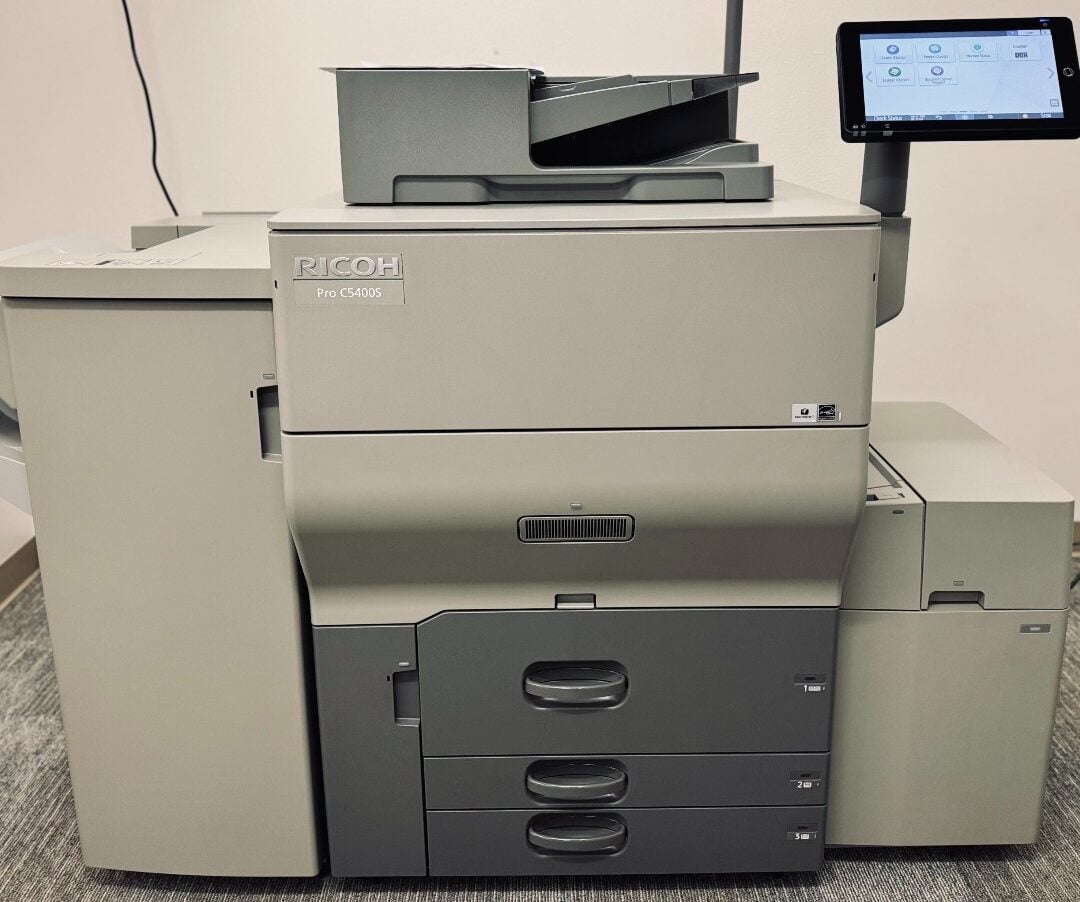
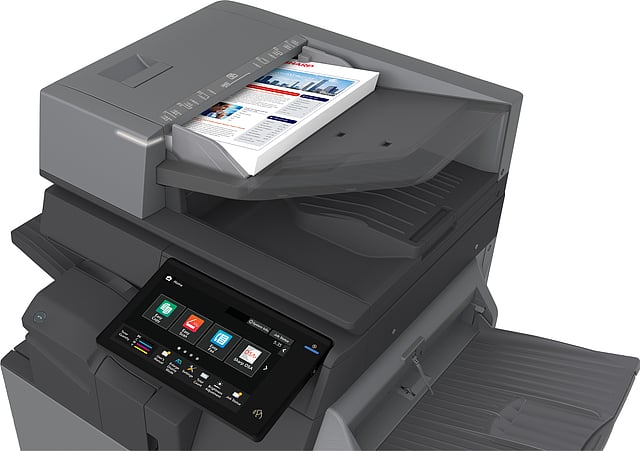
A Ricoh Pro C5400S color multifunction printer installed by Platinum Copier Solutions.
Copier Installation Timeline FAQs
How long does copier installation usually take?
Copier installation typically takes a few hours once the unit arrives on-site. The exact time depends on the model, network setup requirements, and any additional configuration needed. More advanced systems with scanning, cloud integration, or multiple users may take longer to fully configure. After installation, technicians usually run tests to confirm everything is working properly.
How long does it take to receive a new copier before installation?
Delivery times for a new copier can range from a few days to a couple of weeks. This depends on equipment availability, vendor location, and shipping logistics. Once the copier arrives, installation is typically scheduled shortly afterward. Businesses should also factor in setup time to ensure full functionality.
What happens during copier installation?
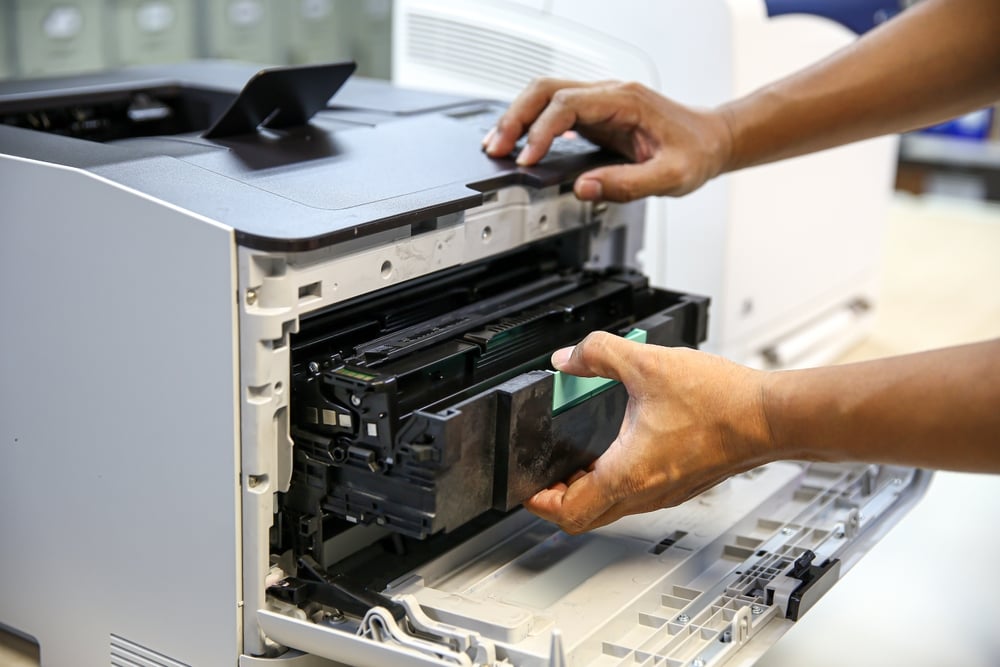
During installation, technicians unbox and assemble the copier, connect it to power, and configure network settings. They also install necessary drivers and software to ensure all devices in the office can connect. Once setup is complete, they test printing, scanning, and other core functions. A brief walkthrough is usually provided so staff understand basic operation.
How long does a copier typically last?
Most copiers last between three and seven years, depending on usage and maintenance. High-volume environments may require more frequent upgrades to maintain efficiency. Regular servicing and proper use can extend the lifespan of the equipment. Eventually, newer models may offer better speed, efficiency, and features.
What should I do to prepare for copier installation?
Preparation includes selecting a suitable location, ensuring network access is ready, and coordinating delivery timing. It’s also helpful to inform staff and provide basic training so they can use the copier effectively from day one. Working with your IT team in advance helps avoid connectivity issues. Proper preparation ensures a smoother and faster installation process.
Understanding Copier Installation for Your Business
A well-planned copier installation timeline plays a key role in ensuring your office equipment is set up efficiently and ready to support daily operations. From selecting the right copier to preparing your network and coordinating installation day, each stage contributes to a smoother rollout with minimal disruption. When handled correctly, the process helps improve productivity, reduce downtime, and ensure your team can quickly adapt to the new system.
As a copier solutions provider serving businesses across the United States, we help guide organizations through every stage of the installation process, from equipment selection to final setup and configuration. The focus is on ensuring each installation is aligned with your workflow, technical requirements, and long-term efficiency goals so your office can operate without unnecessary interruptions.
If you’re planning a new copier installation, request a quote today to explore the right equipment and setup options for your business needs.

Kimberly Gonzalez founded Platinum Copier Solutions in 2007 after building her career in the copier and office equipment industry, which began at just 19 years old, selling Xerox copiers. Her early hands-on experience sparked a lifelong passion for document systems and office technology, ultimately inspiring her to launch her own company. As the 100 percent owner, Kimberly continues to lead Platinum Copier Solutions with a clear vision and commitment to quality.