
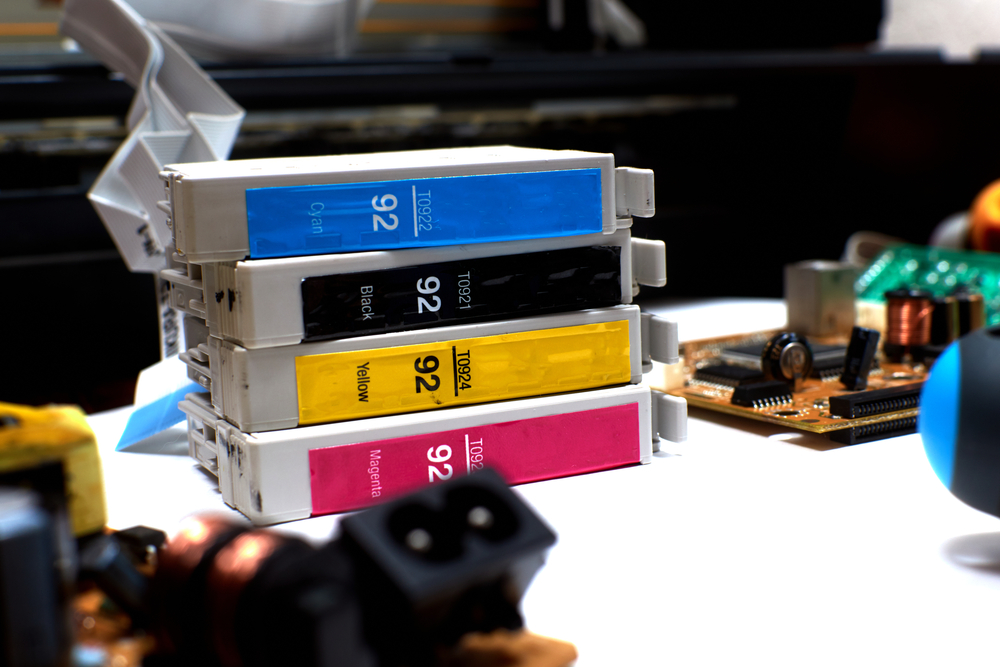
As you go through your printer maintenance checklist, there are a few things that you should not leave out. A maintenance checklist lets you know what your printer needs during maintenance sessions. You can choose to maintain your printer yourself or call in a professional.
What Regular Maintenance Should You Do?
Printer maintenance is essential for printers used in a busy office environment. A well-maintained printer eliminates the possibility of malfunctions like paper jams, especially on busy days. Let’s study some maintenance tips that come in handy in printer maintenance.
Coming up with a printer maintenance checklist requires you to know what your printer needs. Read through this short description to find out more. #platinumcopiersdfw Share on X- Read The Printer Manual
- Clean Your Printer
- Refill Toner Cartridges
- Have a Maintenance Kit
- Update the Driver
1) Read The Printer Manual
Reading the printer manual should be on top of your maintenance checklist. Consult it to learn about the parts of a printer and its warranty. Make the manual your source of knowledge for printer maintenance. Note that each printer model has a unique manufacturer’s guide..
2) Clean Your Printer
A clean printer delivers high-level performance. Cleaning your printer should reach the inside and out. Use a lint-free cloth and avoid solvent or ammonia-based cleaners when cleaning the delicate parts of your printer. Don’t forget to clean the print head using warm water as well.
3) Refill Toner Cartridges
It is essential to refill cartridges to keep the printer functional. It is typically expensive to refill ink cartridges. Resist the temptation to go for cheaper refill cartridges.
Look out for notifications for the dropped levels of cartridges to fill on time. Dried cartridges end up damaging the printer head. The manual should guide the procedure of replacing cartridges.
4) Have a Maintenance Kit
Invest in a good maintenance kit, which comes with tools such as cleaning supplies. The devices help maintain a printer regularly, especially when it’s for long-time frequent use. The good news is that the printer maintenance kits are affordable and worth the cost.
5) Update the Driver
Installing the latest driver is part of preventive maintenance that you can perform yourself. Some updates are manual, while others are automated. Driver updates help prevent malfunctioning and improve the state of printing software.
Call a Professional
Preventive maintenance is an essential part of making sure your printer, such as a laser printer, operates as required. Your printer maintenance checklist should include calling a professional. It is a better alternative to carrying out routine maintenance on a printer yourself.
Extend the Life of Your Printer
With a printer maintenance checklist, you can solve any printer problem before it exacerbates. That will help you save on the repair and maintenance costs and extend your printer’s lifespan. When your printer finally breaks down, don’t forget to hire a professional to repair it.
Contact us to learn more on ways to ensure your printer serves you for a long time.

Kimberly Gonzalez founded Platinum Copier Solutions in 2007 after building her career in the copier and office equipment industry, which began at just 19 years old, selling Xerox copiers. Her early hands-on experience sparked a lifelong passion for document systems and office technology, ultimately inspiring her to launch her own company. As the 100 percent owner, Kimberly continues to lead Platinum Copier Solutions with a clear vision and commitment to quality.