

A copier that suddenly jams, prints poorly, or refuses to work can bring office productivity to a frustrating halt. While some copier problems may seem like they require professional service, many common issues have simple solutions you can handle yourself. From paper jams and streaky prints to connectivity problems and error messages, knowing what to check can help you get back to work faster. In this guide, you’ll learn how to troubleshoot common business copier problems and when it’s time to call a professional for help.
Key Takeaways
- Proper paper loading and routine maintenance can help prevent paper jams and reduce downtime
- Cleaning copier glass and checking toner cartridges can resolve common streaks and lines
- Low toner levels and incorrect print density settings can cause faded or light printing
- Adjusting print resolution and addressing network congestion can improve slow printing speeds
- Regular cleaning, software updates, and professional servicing can extend copier performance and reliability
Paper Jams and How to Clear Them
Paper jams are one of the most common copier problems and can quickly bring office productivity to a halt. They often happen because paper is misaligned, incorrectly loaded, or the tray is overfilled. Using the wrong paper type or size can also cause jams, so always check that you’re using the paper recommended for your copier.
To clear a paper jam, start by checking the paper trays and making sure the paper is properly aligned. Then, open the copier’s panels and carefully remove any jammed paper. Pull the paper out gently to avoid tearing it, and check for small scraps that could cause another jam. Always follow the manufacturer’s instructions, as the process may vary between copier models.
Regular maintenance can also help prevent paper jams. Clean the paper rollers and check them for signs of wear or damage. Keeping up with routine service can reduce recurring jams, extend the life of your copier, and help prevent unnecessary downtime.
Resolving Streaks and Lines on Printed Pages
Streaks and lines on printed pages can make important documents look unprofessional and may indicate an issue with your copier’s glass or toner cartridge. Fortunately, you can often resolve the problem with a few simple troubleshooting steps before calling for service. Regular maintenance can help you catch these issues early, reduce print-quality problems, and keep your office running smoothly. Start by checking these common causes:
- Clean the copier glass: Use a soft, lint-free cloth to remove dust and smudges from the glass and scanner bed. Avoid harsh cleaners that could damage the surface.
- Check the toner cartridge: Make sure the cartridge is installed correctly and check for signs of damage or wear. Replace it if necessary.
- Schedule regular cleaning: Clean the copier’s internal components as recommended by the manufacturer to help prevent streaks and maintain consistent print quality.
Fixing Faded or Light Printing Issues
Faded or light printing can make important documents difficult to read and leave a poor impression. This issue is often caused by low toner levels or incorrect print density settings. Fortunately, a few simple adjustments can usually restore clear, consistent prints. Start by checking the toner level and replace the cartridge if it is running low. Keeping a spare cartridge on hand can help prevent unexpected printing problems.
If the toner level is sufficient, check the copier’s print density settings. Increasing the print density may help produce darker, sharper documents. Regularly checking toner levels and print settings can also help maintain consistent print quality and prevent future issues.
Dealing with Slow Printing Speeds
Slow printing can disrupt office productivity and create unnecessary delays. High-resolution settings, network congestion, and outdated copier firmware are common causes of slow print jobs. Checking these factors can often improve printing speeds without requiring professional service. Simple adjustments can help improve printing speeds and keep your office workflow running efficiently. Try these troubleshooting steps:
- Lower the print resolution: If high-quality printing is not necessary, use a lower resolution to reduce the amount of data the copier needs to process.
- Check the network: Heavy network traffic or connection issues can slow print jobs, especially when multiple devices are using the same network.
- Update the firmware: Check for available copier firmware updates, which may improve performance and resolve known issues.
Maintaining Copier to Avoid Common Problems
Regular copier maintenance can help prevent common problems, reduce downtime, and extend the life of your machine. Simple tasks like cleaning the copier, checking for wear, and following the manufacturer’s maintenance recommendations can help keep it running efficiently. Proper software updates and employee training can also reduce performance issues and prevent avoidable operator errors.
Use these maintenance practices to keep your copier in good working condition:
| Maintenance Task | What to Do | Why It Matters |
| Clean the copier | Wipe down surfaces and remove dust and debris as recommended. | Helps prevent paper jams and print-quality issues. |
| Schedule routine service | Have the copier inspected and serviced regularly. | Helps identify potential problems before they lead to costly repairs. |
| Follow manufacturer guidelines | Use the recommended cleaning methods, supplies, and maintenance schedule. | Supports reliable performance and helps protect the machine. |
| Update software and firmware | Install updates when they become available. | Can improve performance and address known issues. |
| Train employees | Teach users how to properly load paper, replace toner, and handle basic errors. | Reduces operator mistakes and unnecessary service calls. |
How Platinum Copier Solutions Helps Houston Businesses
Houston businesses choose Platinum Copier Solutions for more than just copiers and printers. Our experienced team helps businesses identify the right equipment based on their printing needs, workflow, budget, and office environment. With access to trusted brands like Sharp, HP, and RICOH, along with flexible purchase, leasing, rental, and financing options, we make it easier to choose equipment that supports long-term productivity and reliable performance.
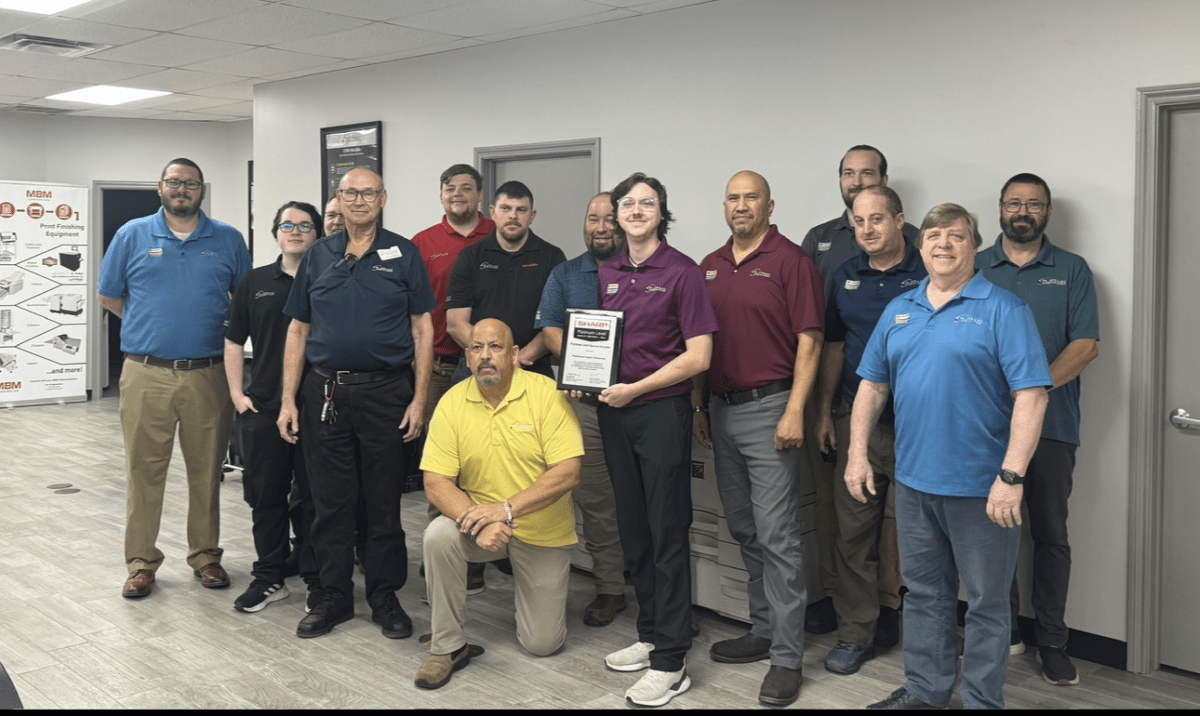
When copier problems arise, having the right support can make all the difference. Our certified technicians provide dependable maintenance and repair services, helping businesses resolve issues quickly and keep equipment operating at its best. With more than 60 years of combined experience, 100% Sharp-certified technicians, and a strong reputation for customer service, Platinum Copier Solutions helps Houston businesses get more from their office technology.
Copier Troubleshooting Frequently Asked Questions
Why is my copier making unusual noises?
Unusual noises can indicate a mechanical problem, such as worn gears, rollers, or other internal components. Grinding, clicking, or squealing sounds should not be ignored, especially if they occur repeatedly during printing or copying. If the noise continues after checking for obvious obstructions, contact a qualified technician to prevent further damage.
Why won’t my copier connect to my computer?
Connection problems can result from incorrect network settings, outdated drivers, or communication issues between the copier and your computer. First, confirm that both devices are connected to the correct network and restart them if necessary. If the problem persists, your IT team or copier technician may need to check the network configuration or reinstall the appropriate drivers.
How often should a business copier be serviced?
The ideal service schedule depends on the copier model, monthly print volume, and how heavily your office uses the machine. Businesses with high-volume printing needs may benefit from more frequent professional inspections than smaller offices. Following the manufacturer’s recommendations and your service provider’s guidance can help keep the equipment reliable.
When should I replace my business copier instead of repairing it?
Frequent breakdowns, rising repair costs, outdated features, and declining performance can all indicate that it is time for a replacement. If your copier can no longer keep up with your office’s print volume or lacks features your employees need, a newer model may provide better long-term value. A copier professional can evaluate your current equipment and help determine whether repair or replacement makes more sense.
How can I choose the right copier for my business?
Choosing the right copier depends on factors such as print volume, number of users, required features, available space, and budget. You should also consider whether your business needs scanning, finishing options, mobile printing, security features, or document management capabilities. Working with an experienced copier provider can help you compare models and select equipment that fits your current needs while allowing room for future growth.
Keeping Your Business Copier Running Smoothly
Keeping your business copier in good working condition is essential for maintaining productivity and avoiding unnecessary disruptions. Understanding how to address common issues, from paper jams and poor print quality to slow performance, can help your team resolve minor problems before they become larger concerns. Regular maintenance and proper equipment use also support reliable performance and extend the life of your copier.
As a copier provider serving businesses across Houston and markets throughout the United States, Platinum Copier Solutions helps companies choose the right equipment and keep it performing at its best. Our certified technicians provide dependable maintenance and repair support, while our team can also help you evaluate your current equipment and determine when an upgrade or replacement may better suit your business needs.
If your business needs reliable copier equipment or professional support, request a quote today to find a solution that fits your office’s needs.

Kimberly Gonzalez founded Platinum Copier Solutions in 2007 after building her career in the copier and office equipment industry, which began at just 19 years old, selling Xerox copiers. Her early hands-on experience sparked a lifelong passion for document systems and office technology, ultimately inspiring her to launch her own company. As the 100 percent owner, Kimberly continues to lead Platinum Copier Solutions with a clear vision and commitment to quality.