
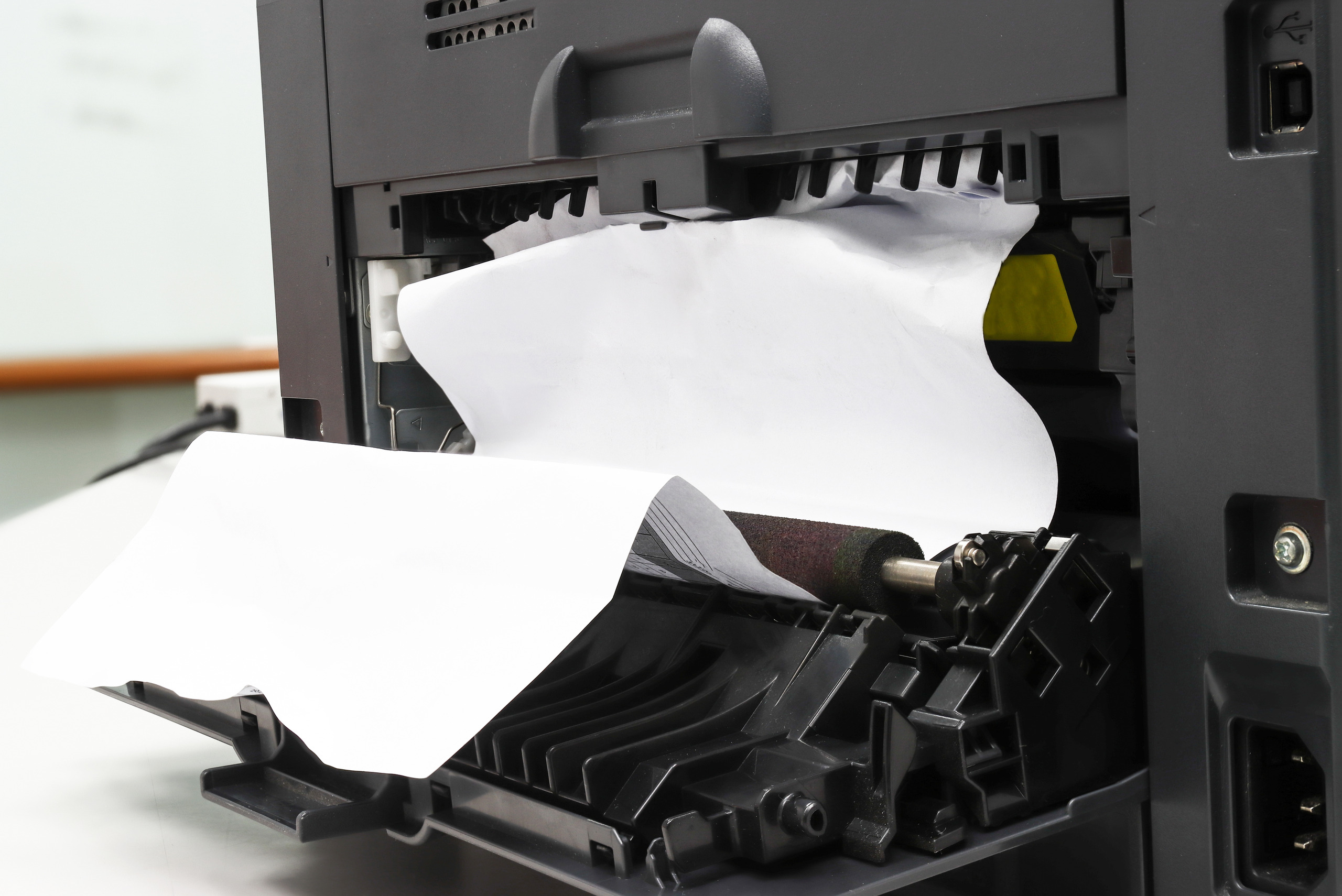
Paper jams are inevitable when you own a printer. Fixing the problem is relatively easy despite its frequent occurrence. Consider removing all the papers stuck in the equipment for the printer’s efficient functioning.
Printer paper jam, also known as misfeed, frequently occurs due to dirty paper rollers inside the machine or too much paper in the input tray. Although paper jams in printers are inevitable, knowing how to fix a paper jam is vital in operating a printer. You need to fix all the printer issues for excellent and efficient output.
Is your printer experiencing frequent paper jams? Learn how to fix a paper jam in three simple steps. Share on XHere are the most significant steps on how to fix a paper jam.
Turn Off the Printer
Please turn off your printer and unplug the power source from its power cord to ensure no print jobs are in progress in the printer. This protects the printer from any mechanical damage while fixing the problem. It also gives way for handling the printer’s insides with no risk of electric shock or injury.
Unload the Paper from the Machine
Remove all the papers in the loading paper tray and the output tray to remove any obstruction so that you can see inside the printer using a flashlight. Any paper stuck in the input or output tray should be gently removed.
Open the Back and Clear Out the Jam
Turn the printer to access the back; opening the back enables access to the paper pathway and the rollers. Open the cartridge access door and move the ink cartridges to the left and the right while removing paper that got stuck. Remove the papers gently to avoid damaging the machine.
If the pick rollers are full of dirt and debris, use soft clean cotton swabs dipped in water to gently remove the debris from all the rollers while rotating slowly to ensure each section is clean. After cleaning, ensure the rollers turn freely.
Close Everything and Plug it in
Partially closed doors can also cause paper jam; hence the doors should be closed firmly until the tabs snap into place. Reconnect the power cable and turn on the printer. Load the printing papers and adjust the paper guide. Next, print and check the final product. At this point, the printer jam should have been resolved.
Call For More Maintenance Help
Continuous occurrence and fixing of paper jams can be very tiresome; hence, regular maintenance is necessary for the effective functioning of the machine. The good news is that experts from Platinum Copiers can help you with the maintenance practices.
Contact us today for reliable and affordable printer solutions.

Kimberly Gonzalez founded Platinum Copier Solutions in 2007 after building her career in the copier and office equipment industry, which began at just 19 years old, selling Xerox copiers. Her early hands-on experience sparked a lifelong passion for document systems and office technology, ultimately inspiring her to launch her own company. As the 100 percent owner, Kimberly continues to lead Platinum Copier Solutions with a clear vision and commitment to quality.